

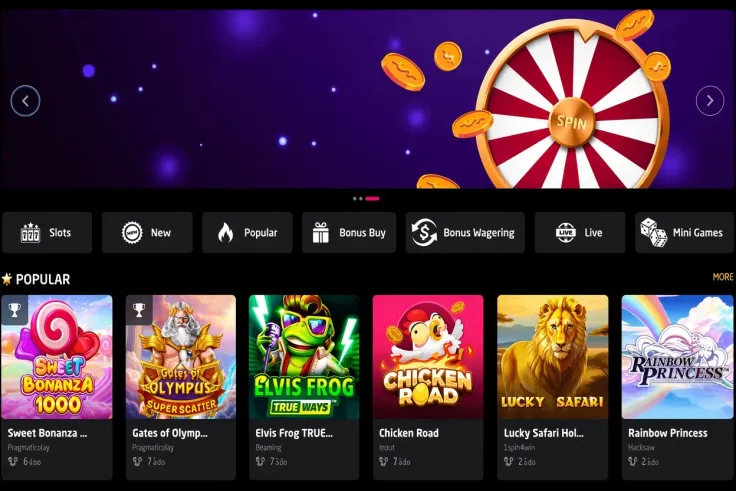
Verifying your Stay Casino account means uploading copies of your documents so the casino can confirm who you are. Verification is required, and the steps above show the order to follow. Have your documents ready before you open the verification section, so the upload is one short task instead of a search through drawers and phone folders. The table above lists what is accepted.
What stands behind the steps

The accepted documents are Passport, National ID card, Driving licence, Utility bill and Bank statement. You do not necessarily need all of them. The table above shows the full list, and the steps ask for clear copies, so the first job is to pick the documents you hold in good condition.
A few points apply to any document you upload. The name on it should match the name on your account, and the details must be readable from edge to edge. A cropped corner, a glare on the page or a blurred photo is the most common reason for a document to be sent back. Take the picture in good light on a flat surface and check it on screen before you upload it.
Some documents are issued with an expiry date. Use one that is still valid, because an expired document is not a reliable proof of who you are. Where the document is a statement or a bill, make sure that the whole page is visible, including the name and the details printed on it.
Verification is separate from payments. How you fund the account is covered on the deposits page, and the steps above place verification before a withdrawal request. The withdrawals page explains what happens when you cash out.
18+ · T&Cs apply
When something goes wrong

If a document is not accepted, look first at the copy itself. Is every edge visible, is the text readable, and does the name match the account? Replace the file with a clearer one and send it again. Sending the same blurred file a second time rarely helps.
If you have uploaded clear documents and nothing has changed, contact support. Stay Casino has live chat and email, available 24/7, and there is no phone line. Say which document you sent and when you sent it, so the person helping you can find it quickly. A short, specific message gets a clearer answer than a general complaint. Keep the reference of any message you send, and write back in the same thread instead of opening several, so that the history stays in one place.
If you cannot log in to start verification, sort out the login first and come back to the steps afterwards. If you are unsure which document to use, ask support before uploading, because an upload of the wrong file costs more time than a short question. Keep the replacement document in the same format as the first one unless support asks for another. Do not send documents by email unless support tells you to, and never share them with anyone who contacts you out of the blue.
Keeping the account safe
Enter your password only on Stay Casino's own website, never on a page you reached from a message or an advert.
Verification involves personal documents, so handle them with the same care as a bank card. Keep your documents in a place you control, and delete copies you no longer need from shared devices. If the account offers deposit limits, set one before you play, and treat a verification step as the moment to review how you want to use the account. If you are unsure about a request for documents, contact support through the channels you already know and not through a link in an email.