

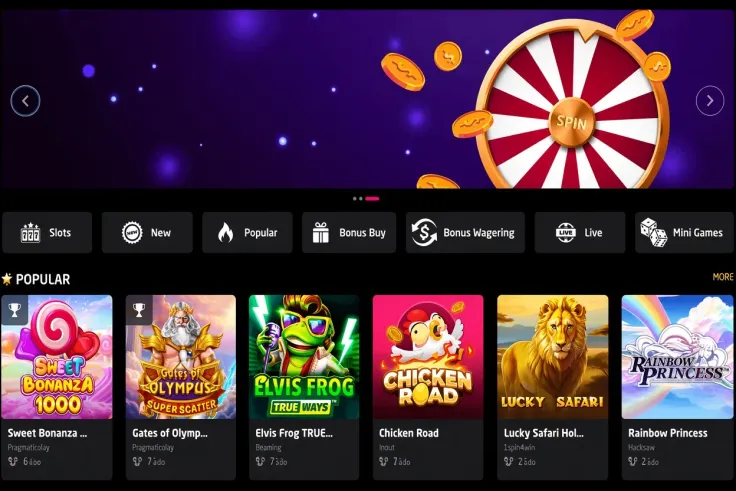
Signing up at Stay Casino takes place on the casino's own website, in the steps above: open the site, choose to register, enter your personal details, verify your identity and, if you want the welcome offer, make a deposit. You must be 18 or over. Before you begin, have your identity documents within reach and know which payment method you plan to use. There is no iPhone or Android app, so registration is done in a web browser, on a computer or a phone.
What stands behind the registration steps

A short checklist helps before you open the registration page:
- Your identity documents, current and readable.
- A payment method you can use, if you plan to claim the welcome offer.
- A strong password you have not used elsewhere.
- A steady connection, ideally your own and not public Wi-Fi.
The personal details you enter should match your identity documents exactly: full name, date of birth and address. Identity verification is required at Stay Casino, and the documents used are Passport, National ID card, Driving licence, Utility bill and Bank statement. Some of them prove who you are and others prove your address, so it helps to know which ones you have before you start. Each document should be current, readable and show your full name.
Names with accents, hyphens or several given names should be entered as they appear on the document. If you register on a phone, the browser's autofill may fill a field with old information, so check each field before you confirm.
Verification is a separate step from registration, and it can take time. Do not plan around a fixed speed. The verification page explains the process, including what to do if a document is not accepted.
The last step in the list is a deposit to claim the welcome offer. Payment methods and how to use them are covered in the deposits guide, and the terms of the offer are on the welcome bonus page. T&Cs apply. Read the terms before you pay, because the offer has conditions of its own.
If you are comparing offers before you register, the no deposit bonus codes page covers that topic separately.
When you choose a password, pick one you do not use anywhere else and keep it private. Avoid names, birthdays and other details that someone who knows you could guess. This site has no registration or login form, so you will never enter your details here.
18+ · T&Cs apply
When registration does not go smoothly

Most problems at this stage come from small mismatches. These are the ones to check first:
- Details that do not match your documents, such as a shortened name or an old address.
- A document that is blurred, cropped or out of date.
- A typing error in a contact detail, which is easy to make on a touchscreen.
- An attempt to register on a connection that keeps dropping, which can happen on mobile data with a weak signal.
If a document is not accepted, look at why, correct it and send it again. Do not try to work around the identity step, and do not send a document that belongs to someone else.
If the registration page will not load, check that other websites load on the same connection, then try again later. If it keeps failing, support is the next step.
If you forget your password after registering, use the account recovery option on Stay Casino's own website. Never follow a link in a message that asks for your password.
When you cannot solve a problem yourself, contact support. Stay Casino has live chat and email, and support is available 24/7. Phone support is not offered. Keep a note of any error message and its exact wording. Write down what you did and what you saw, so support can follow the steps with you. Once the account is open, the log in page shows how to get back into it.
Setting up the account sensibly

Keep your browser up to date, since updates include security fixes. Use a strong password that is unique to this account, and enter it only on Stay Casino's own website. Open the site by typing its address or from a bookmark you saved yourself, not from a message or an advert.
Protect your email account with its own strong password as well, since it is the way back into many other accounts. Keep your identity documents ready but send them only through the casino's own website. Do not share your login details or documents with anyone who says they can speed up registration, and do not accept help from strangers who contact you first.
If the account offers deposit limits or time-outs, set them while you are setting up the account, before you play. Gambling is entertainment that costs money, and limits are easiest to set before the first deposit and not after.