
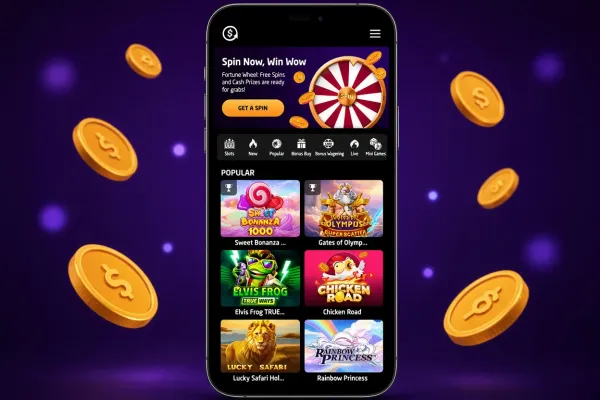
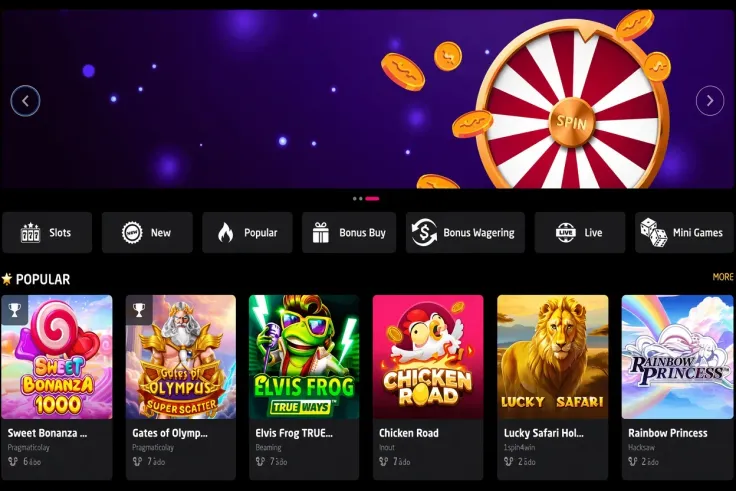
Stay Casino on a phone means the mobile site. There is no iPhone app and no Android app, so you play in your phone's browser. The app page covers all three phone options side by side, and the steps above show how to open the site and add a shortcut to your home screen.
Stay Casino also runs a live casino, so the choice of device is mostly about the screen, the connection and how you secure the phone. The sections below explain what the mobile version gives you, what to expect from playing without an app and the practical points that matter most on a phone.
What the mobile version gives you

The mobile site is Stay Casino's only phone option, and it opens in the browser you already have. There is no app store account to set up and no app to keep updated. Logging in and registering happen on the casino's own website, never on this site, which has no login or payment forms. If you are new, the sign up guide explains registration, and the log in page covers returning to an existing account.
Playing on a phone differs from a computer in a few practical ways. The screen is smaller, so you see less at once, and you enter passwords and amounts with a touchscreen keyboard, where a wrong digit is easy to make. Read an amount twice before you confirm a payment.
Stay Casino has a live casino, and live games are where a phone shows its limits most. Dealer video needs a steady connection and a small screen shows less of the table than a monitor does. Before you rely on a live game, open one on your phone and check that the video and the betting controls are easy to read at your screen size.
New accounts can read about the opening offer on the welcome bonus page. Its terms are shown there. T&Cs apply.
Playing in the browser instead of an app

Because Stay Casino has no native app, the browser does the job an app would do. The steps above show how to open the site and add a shortcut. That shortcut is only a link to the website placed on your home screen. It is not an app, it needs no store, and it opens the site in your browser.
A few things follow from that:
- There is nothing to update except the browser and the phone's own system. Keep both up to date, because updates fix security problems.
- An app in the App Store or Google Play carrying the Stay Casino name did not come from Stay Casino. Do not install it.
- Never install an app or file from an unknown source, including a link sent in a message, an email or an advert.
- Save the website address in a bookmark or on the home screen once you have reached it by typing the address yourself. Opening the site from a bookmark is safer than following a link from a search result or message.
If you want the details for each platform, the iPhone and Android pages show the browser steps for each.
Practical points for playing on a phone

Lock your phone with a passcode or fingerprint or face unlock, and do not hand the device to anyone while you are logged in. A phone is easy to lose, and an open casino account on an unlocked screen is the same as an open wallet. Log out when you finish, especially on a phone you share.
Avoid public Wi-Fi for logging in or making a payment. Use your own mobile data or a network you trust. Live video in particular uses a lot of mobile data, so check your plan before you stream, and note that a weak signal can interrupt a round.
Let the browser save a password only on a phone that is locked and used by you alone.
Finally, use the control tools that the account offers. If the account has deposit limits or time-outs, set them before you start playing on the phone, because a phone is always in your pocket and makes it easy to play without noticing the time.